The page a tap opens
Portal: the page a tap opens, at your name.departmnt.io
Every Portal opens from a tag and belongs to the artist, brand or venue that runs it. Branded, and yours: no app, no download, and no account before anything happens.
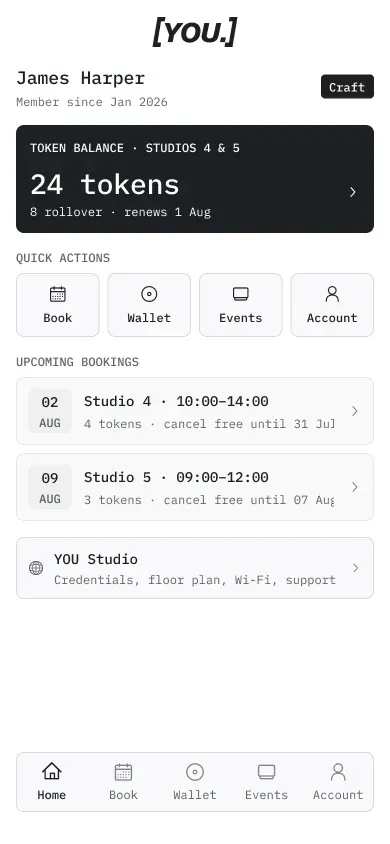

What a Portal is
The Page a Tap Opens
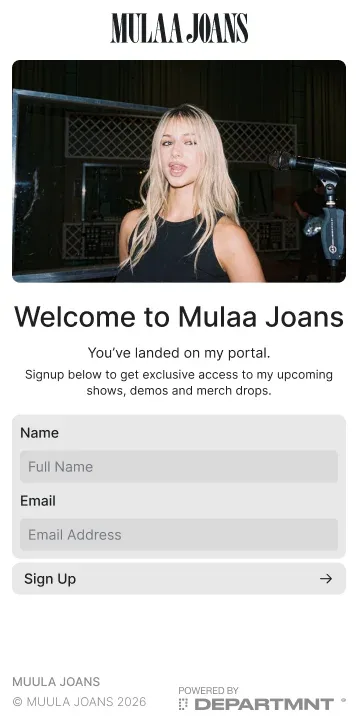
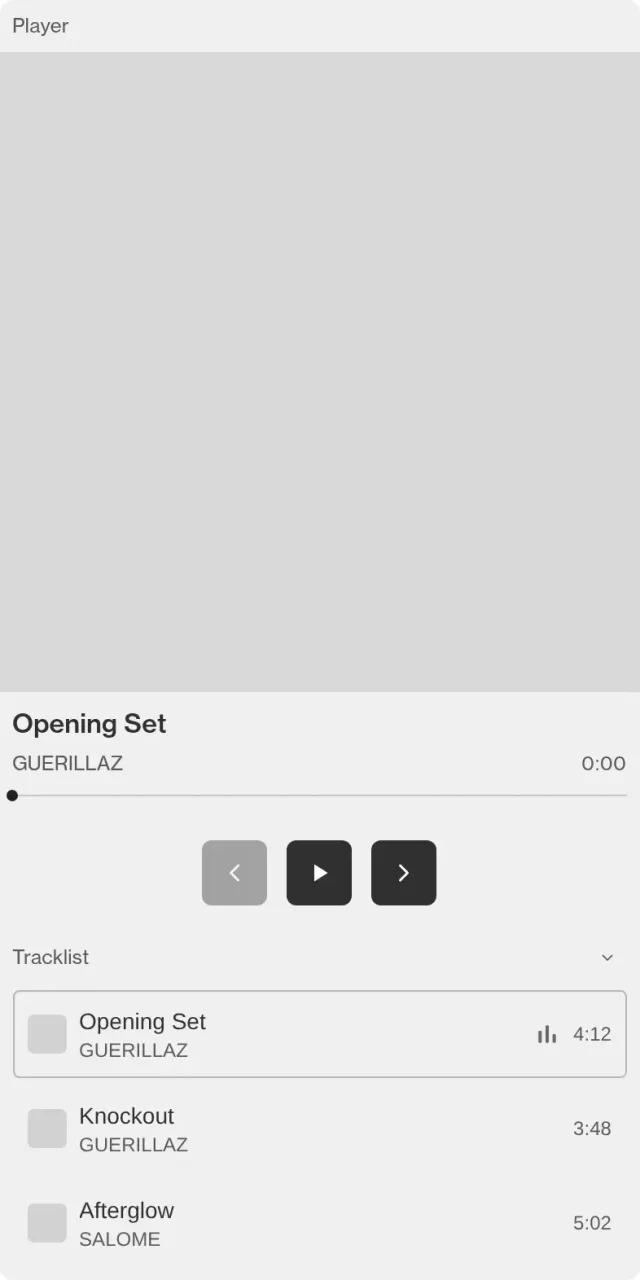
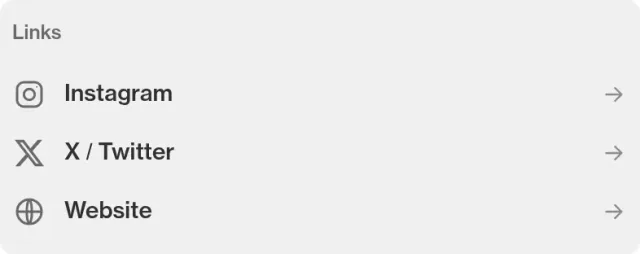
A Portal is your page in the browser, opened by a tag. It knows which tag was tapped, asks for consent once, and welcomes back the people who have joined. Four steps, on our own Portal.
01 · The tap opens it
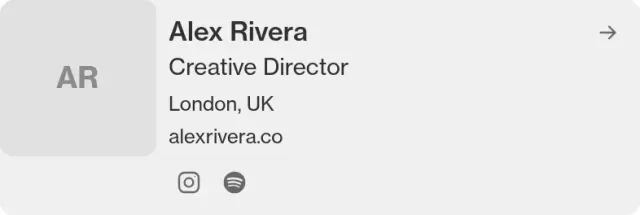
02 · Join, once
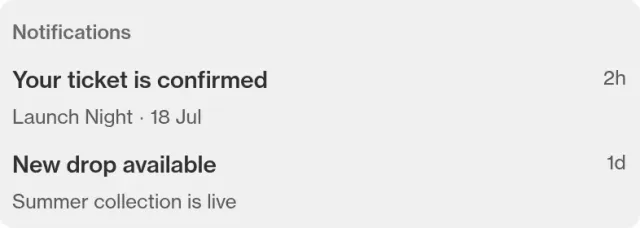
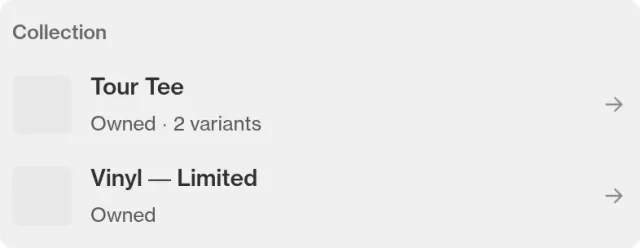
03 · The hub
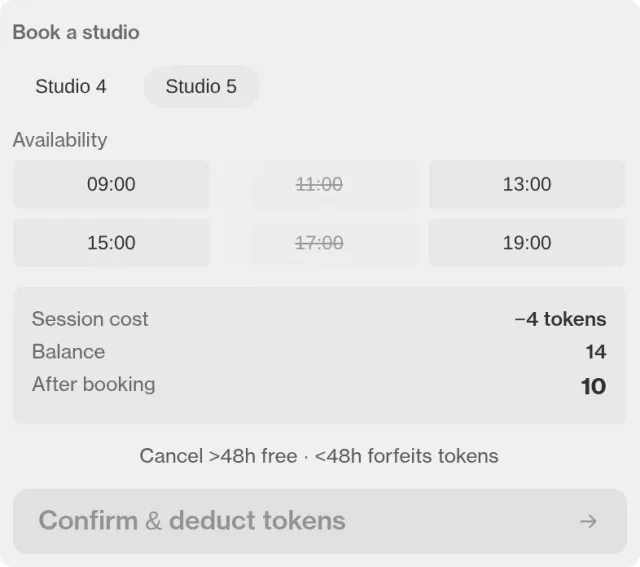
04 · Back again
Modules
Nineteen Modules, Five Kinds
Standard modules publish: words, pictures, links. Advanced modules talk to Core: they sell, check, count and remember. Each takes your logo and your colour, on a white or black ground.
Content
- ContentStandard
Words and images in your brand.
- SocialStandard
Everywhere else you live.
- ProfileStandard
A member’s own card.
- NotificationsStandard
What changed since last time.
- File DownloadStandard
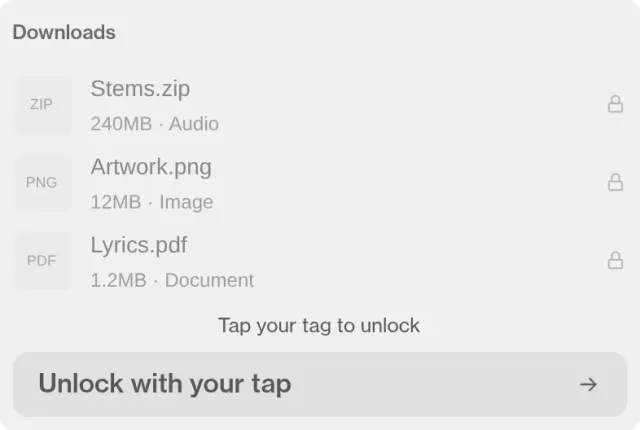
A guide, a lookbook, a stem.
Media
- GalleryStandard
The night, in pictures.
- Music PlayerAdvanced
Play the record on the page.
- VideoAdvanced
The film, the set, the making of.
Commerce
- CollectionStandard
What they hold, across moments.
- ProductAdvanced
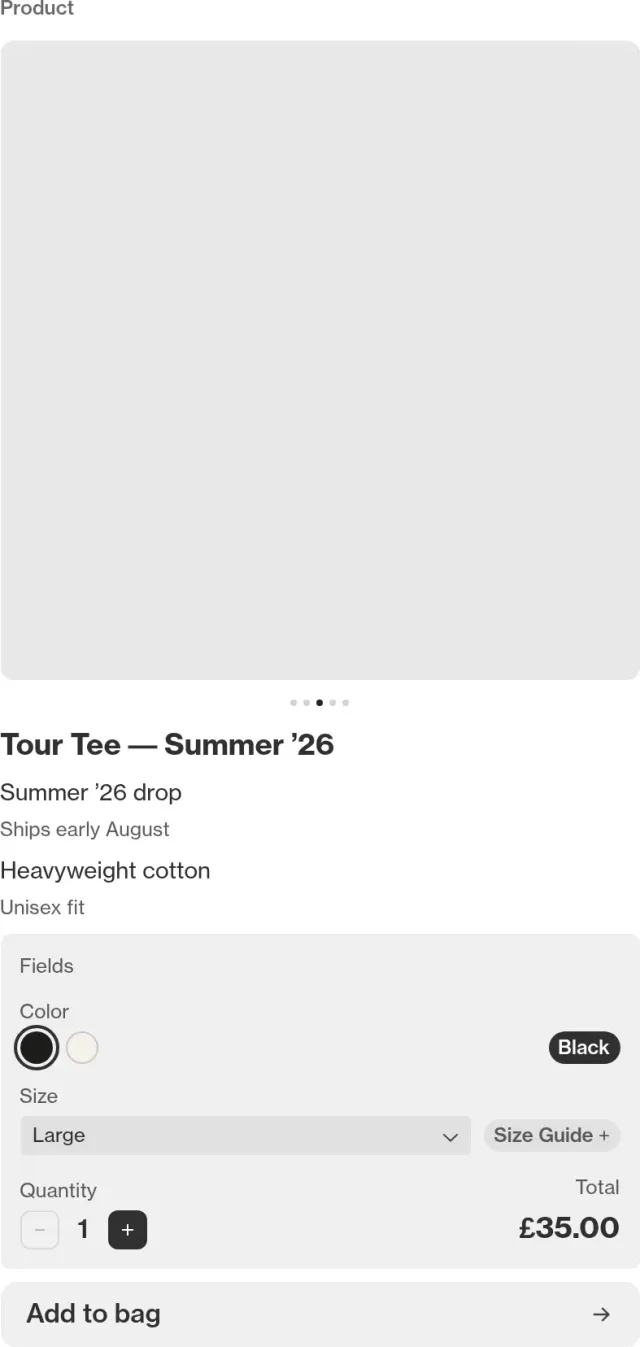
What it is, and who owns it.
- TicketingAdvanced
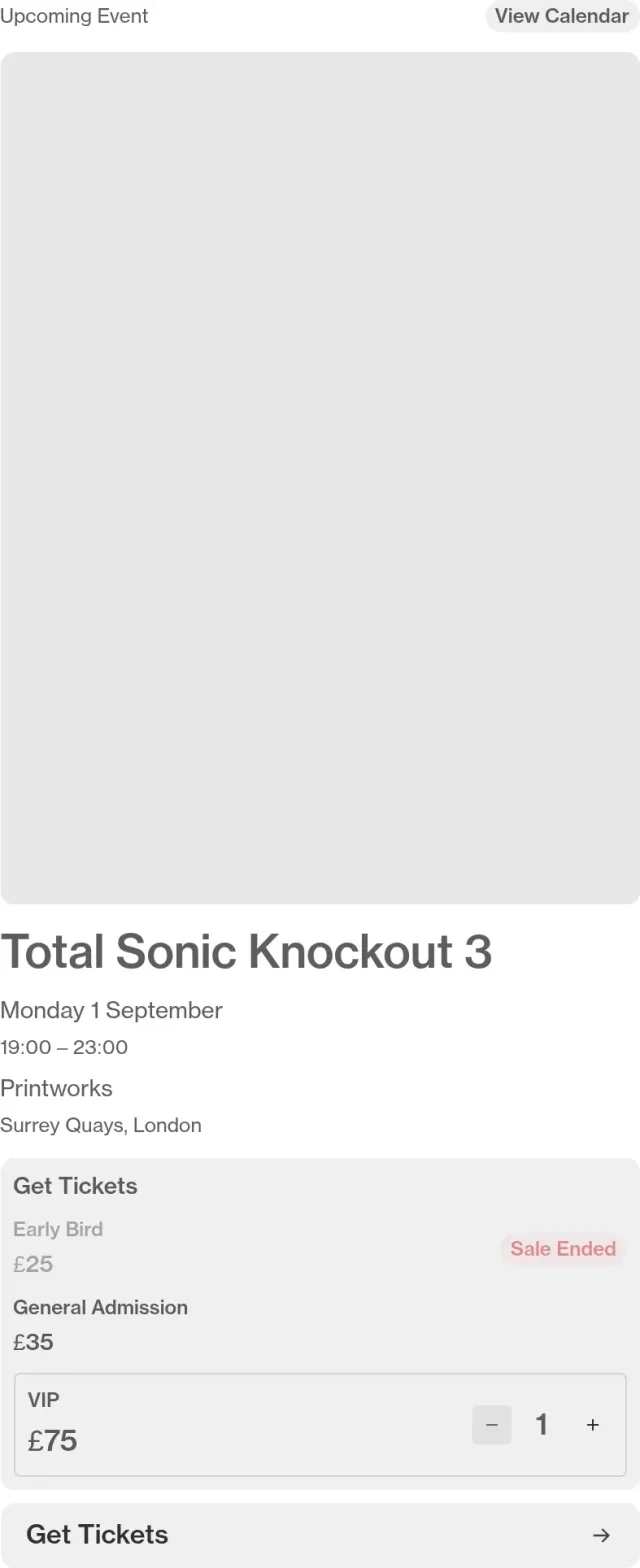
Sell, scan, reissue. No booking fee for buyers.
- Event ReminderEvent ReminderAdvanced
Going, and a nudge before doors.
- Page LockAdvanced
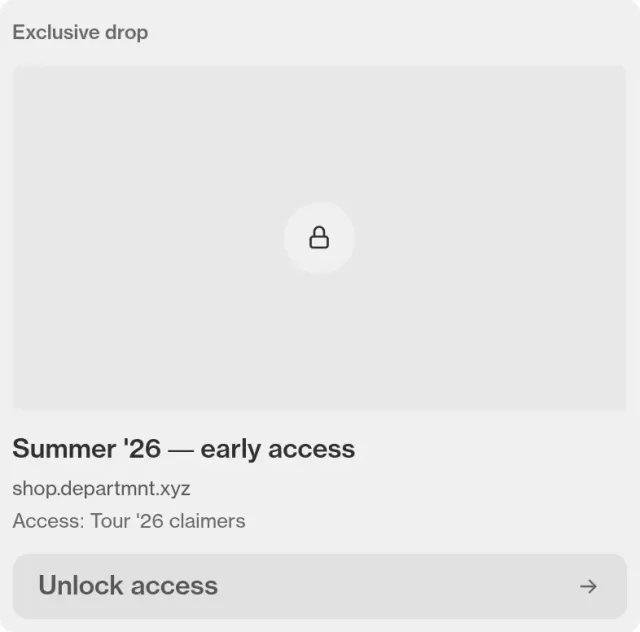
Opens only for people who are there.
Membership
- Membership TiersStandard
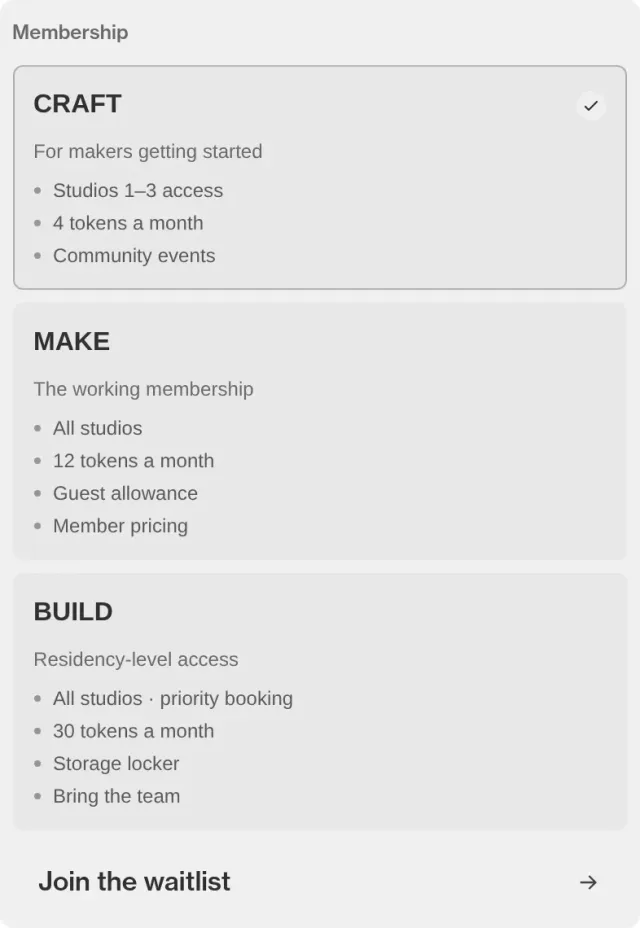
Levels, and what each includes.
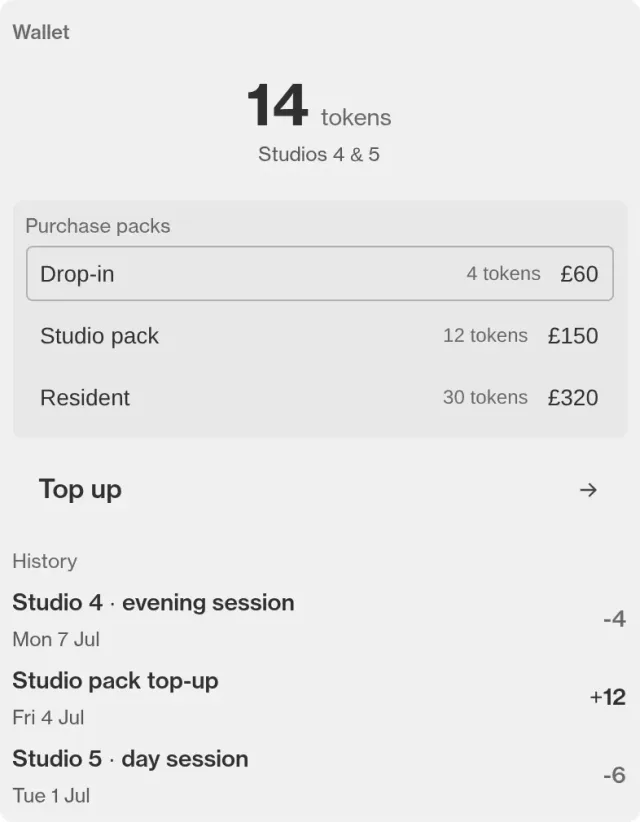
- Token WalletAdvanced
A balance members spend.
- Studio BookingAdvanced
Rooms and slots, booked by members.
Community
- Community ChatAdvanced
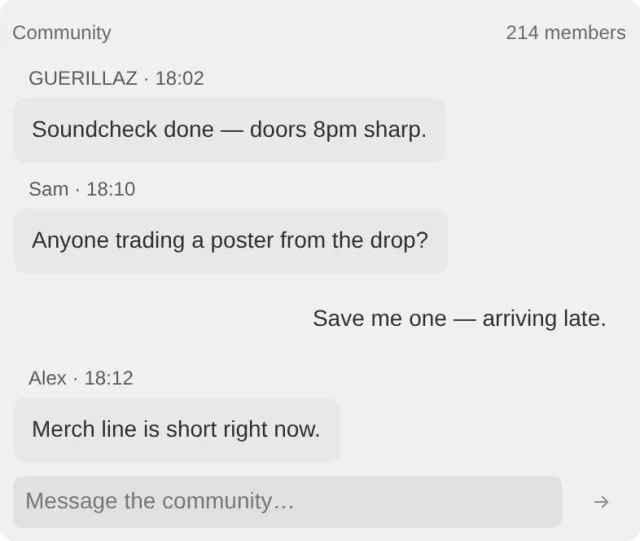
One room for the people who came.
- DirectoryAdvanced
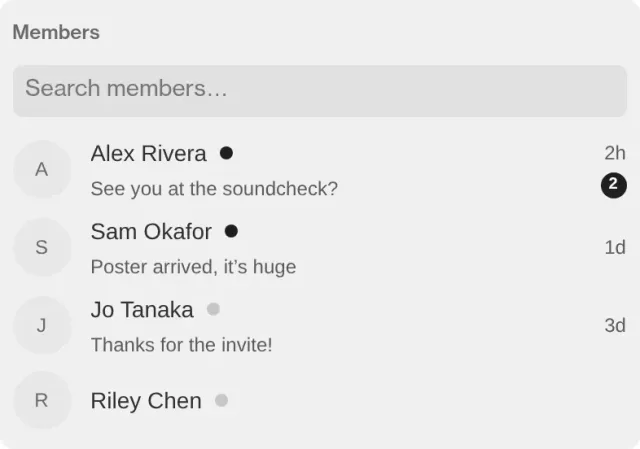
Who else is in.
- Group ChatsAdvanced
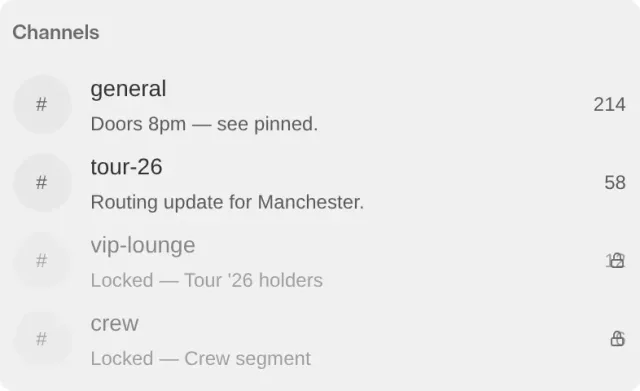
Smaller rooms inside it.
Studio
Build One. Point a Tag at It.
The same models and modules as the Portal Design Studio. Start from a Portal we have built, change the modules, then choose tags and send the scope. We recommend a tier and, once the brief is in, an indicative cost.
What do you want to do?
The journey for launch a release · choose a screen
On Discover
- Music Player
- Content
- Social
Content
Media
Commerce
Membership
Community
Why it works
Built for the Moment, Kept for the Relationship
No app, ever
A tap opens the page in the browser. Nothing to download, no account before anything happens.
Welcome back
The second visit is not the first. People who have joined come back to their own page, with what they hold.
Built from modules
Nineteen modules, from a music player to ticketing. Arrange them; no code.
A journey, not a page
Discovery, sign up, feed and hub. Each screen shows what that moment needs.
Changed live
Edit the Portal or point the tags somewhere new from Core, during the night if you need to.
Yours, on your address
Your brand, your colours, at your name on departmnt.io, or your own domain on Label and above.
Questions
FAQs
Does anyone have to download an app?
No. A Portal is a web page, so it opens in the browser that is already on the phone. There is nothing to install, nothing to sign into before it opens, and nothing to update later.
What happens if someone has no tag?
The page still works. A tag is one way in and a link is another, so the same Portal can sit behind a poster, a story, an email or an object in someone’s hand. Hardware makes it a physical channel; it is not what makes it exist.
Can I change it after the tags are made?
Yes, and this is the part most people do not expect. What a tag opens is set in Core and changed over the air, so the object in the field is finished the day it ships and the page behind it never has to be.
Do I need a developer to build one?
No. A Portal is composed from a set of sections and a theme rather than written from scratch, which is what makes the second one fast and the twentieth one possible. If you want something the sections do not do, tell us and we will say whether it is close.
Is it really my brand, or is it yours?
Yours. You choose the theme, the corner radius, the colour and the mark, and our name does not appear on the page. What a visitor meets is your brand in your words, opened by an object you made.
Where Next
- Know the shape of itGet an estimateScope a programme and see the tier and an indicative cost.
- Comparing optionsPick a tierFive tiers, what each includes, and when to move up.
- Have a dateStart a briefTell us the moment and the date. We reply within a working day.
- Rather talkTalk to usThirty minutes with the people who build it.